

Chicago — “Your eyes show you the world. Take good care of them,” Prevent Blindness says in a video promoting Workplace Eye Wellness Month – observed every March.
The advocacy group offers free guides on:
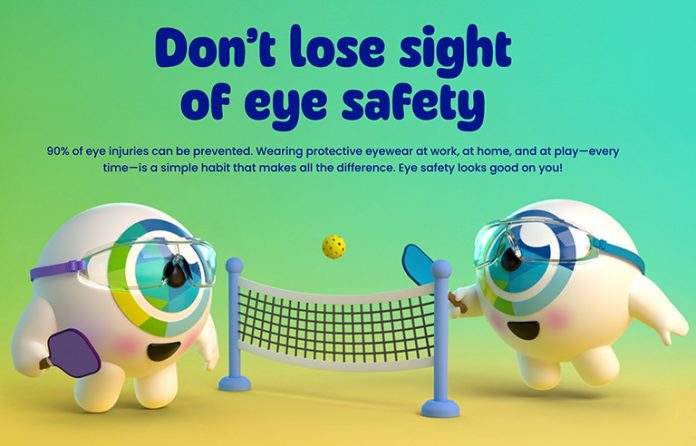
The campaign features animated characters Iris and Cornelius, who are shown taking proper eye safety precautions while participating in various activities.
For this year’s campaign, Prevent Blindness is placing extra focus on office workers, who may face a higher risk of digital eyestrain. Symptoms include blurred vision; dry eyes; headaches; and pain in the back, neck and shoulders.
To help prevent eyestrain, also known as computer vision syndrome:
- Place computer screens 20 to 26 inches away from your eyes and a little bit below eye level.
- Use a document holder. It should be placed next to your computer screen, close enough so you don’t have to turn your head back and forth or constantly change your eye focus.
- Adjust lighting to reduce glare and harsh reflections. Also, consider using a glare filter over your computer screen.
- Use an adjustable chair.
- Choose screens that can tilt and swivel. A keyboard that you can adjust is also helpful.
- Wear computer glasses with yellow-tinted lenses that block blue light. This may help ease digital eyestrain by increasing contrast.
- Wear antireflective lenses. These can reduce glare, increase contrast and block blue light from digital devices.
“Workplace Eye Wellness Month reminds us that protecting vision should be a priority wherever people work – whether in offices or on jobsites,” Prevent Blindness President and CEO Jeff Todd said in a press release.